Spotify Music Converter
*NOTE: TunePat is a home edition and it's only for personal use.

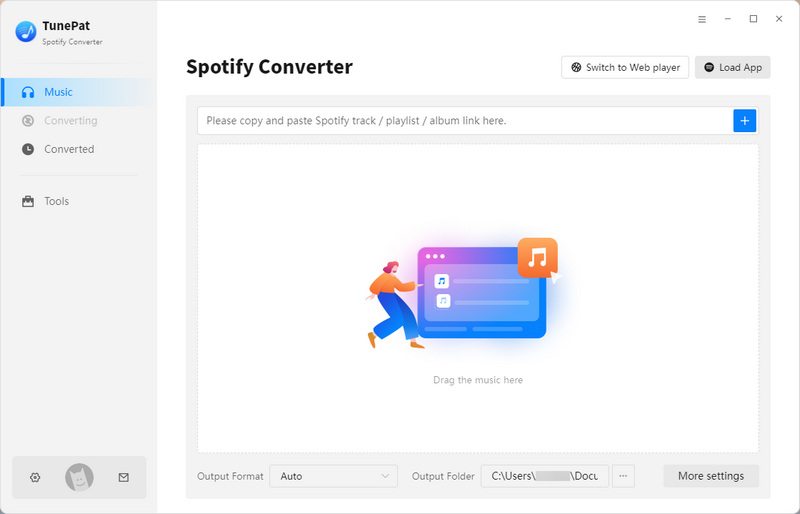
Instead of being limited to online streaming, TunePat Spotify Converter allows both Free and Premium users to download Spotify songs directly to local storage for offline playback. All downloaded tracks are saved as standard audio files, so you can keep your Spotify music permanently and enjoy it offline anytime, ad-free.
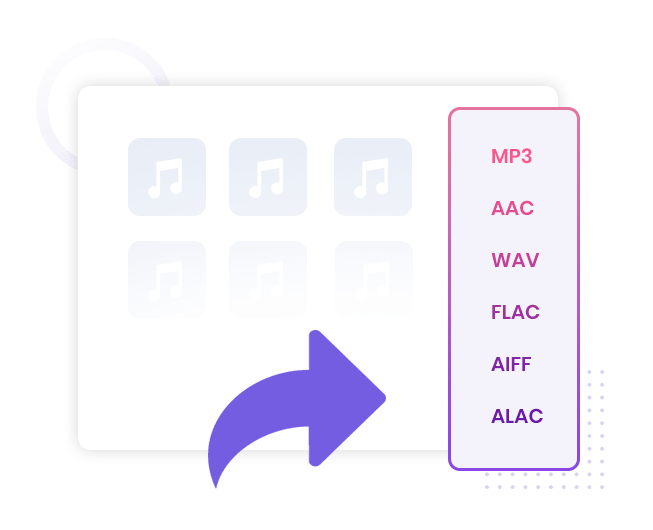
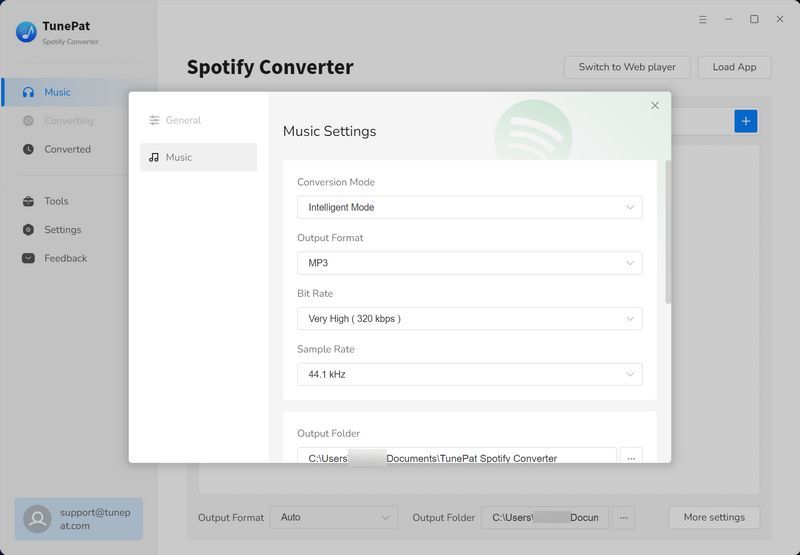
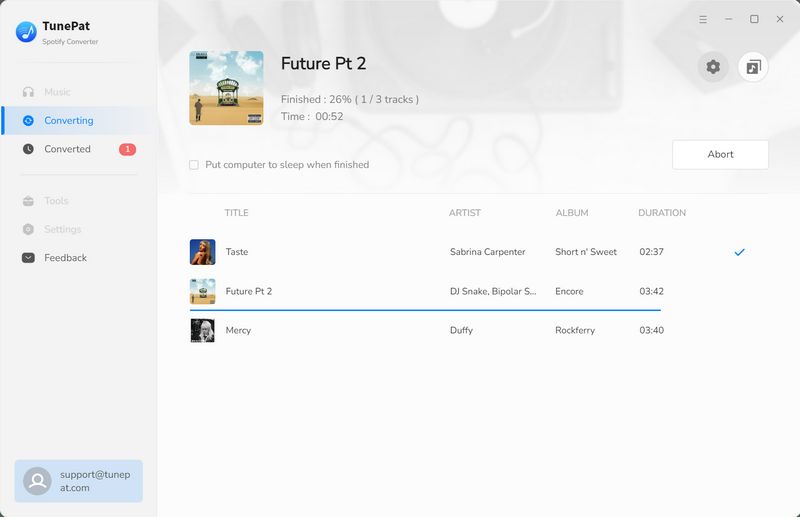
TunePat Spotify Converter lets you download Spotify songs and convert them to popular audio formats like MP3, AAC, WAV, FLAC, ALAC, or AIFF. It also supports converting local music files, giving you full control over your music library and making it easy to enjoy your favorite Spotify tracks on any player.
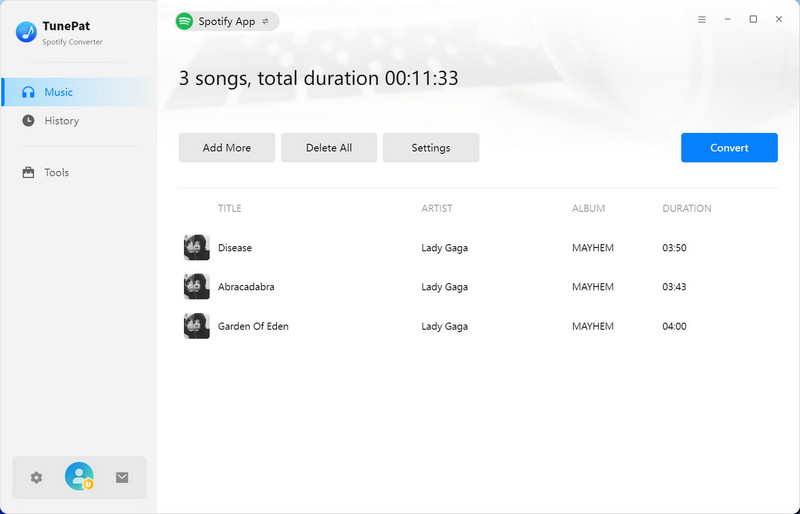
TunePat Spotify Converter lets free Spotify users save songs as ad-free audio files for offline listening, while Premium users can download Spotify tracks in Lossless quality to enjoy every detail. You can quickly convert playlists, albums, or individual songs with up to 10x conversion speed.
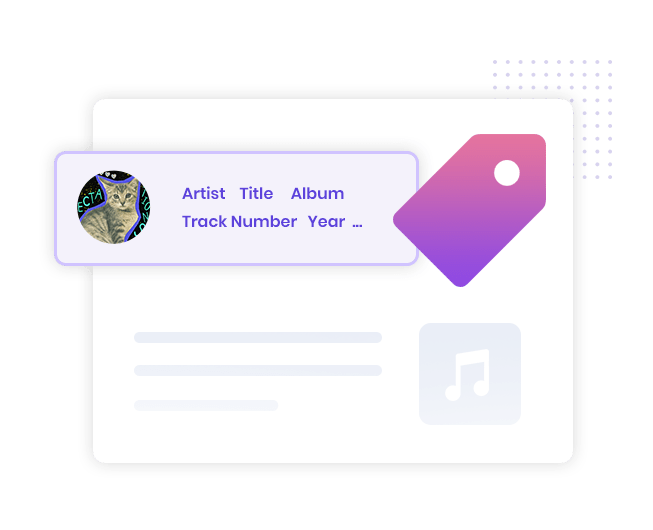
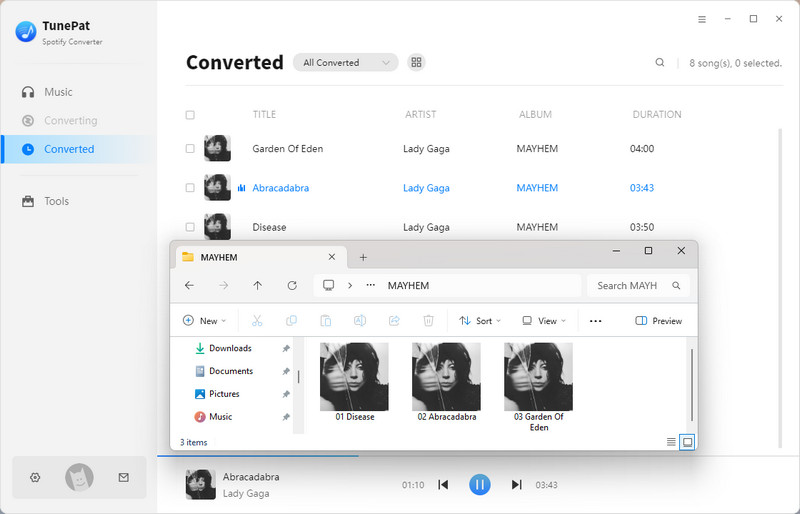
TunePat Spotify Converter preserves complete ID3 tags when downloading Spotify music, including artist, album, track number, year, genre, artwork, etc. This keeps your converted songs fully organized and easy to manage across different devices and media players.
With TXT or synchronized LRC lyric files, TunePat lets you get Spotify lyrics and view them in compatible media players during offline playback.
Spotify downloads can only be played inside the Spotify app and cannot normally be transferred to other devices or software.
TunePat Spotify Converter converts Spotify music into standard audio files, allowing you to freely use your songs on USB drives, video editing tools, DJ software, and other devices without playback restrictions.
These surprising features below make TunePat Spotify Converter stand out.
Support for extracting content from the Spotify app or web player.
Sort downloaded music by artist, album, playlist, and more.
Intelligently filtering ads when downloading Spotify songs.
Clear cache feature to free up storage and speed up conversion.
Free CD burning feature for Spotify songs.
Recognize and edit song ID3 tags.
Save Spotify lyrics as LRC or TXT files.
Supports more than 48 languages.
1. Make sure you have registered with the correct program, Windows and Mac version will not share a code.
2. The registration code is case-sensitive. And please do not add a blank at the beginning or the end of the word. You can also copy and paste the Email and Code into the registration window.
3. One license for one computer only. If you use your code on more than one computer, it will show as invalid.
If you still get the error message, don't hesitate to get in touch with our support team via [email protected] for further help.